

Motion Watch
Cloud Security Camera & Dashcam
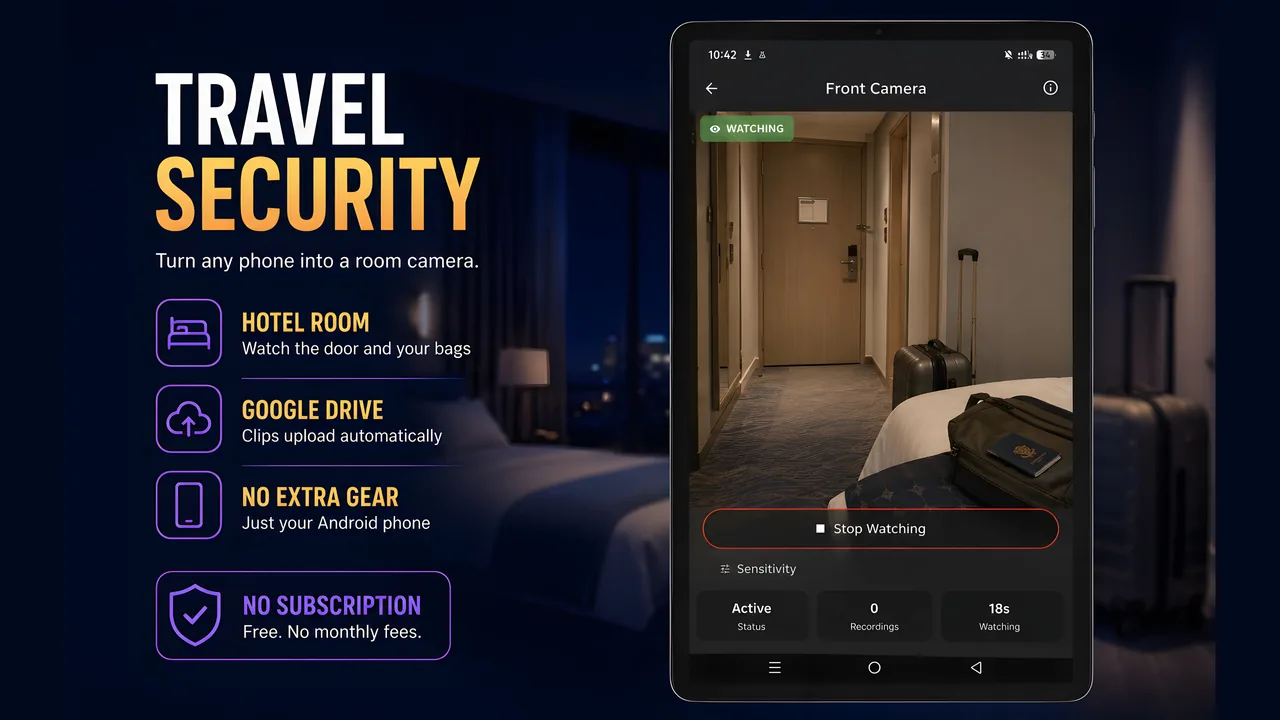
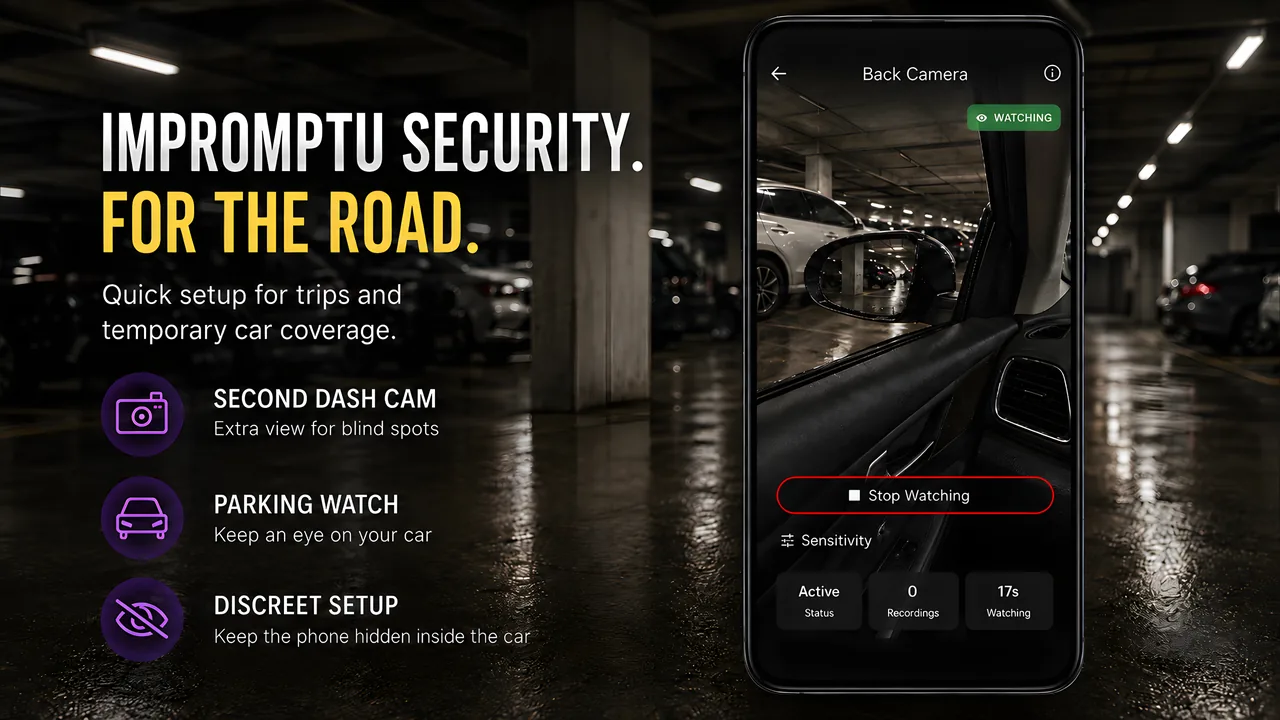
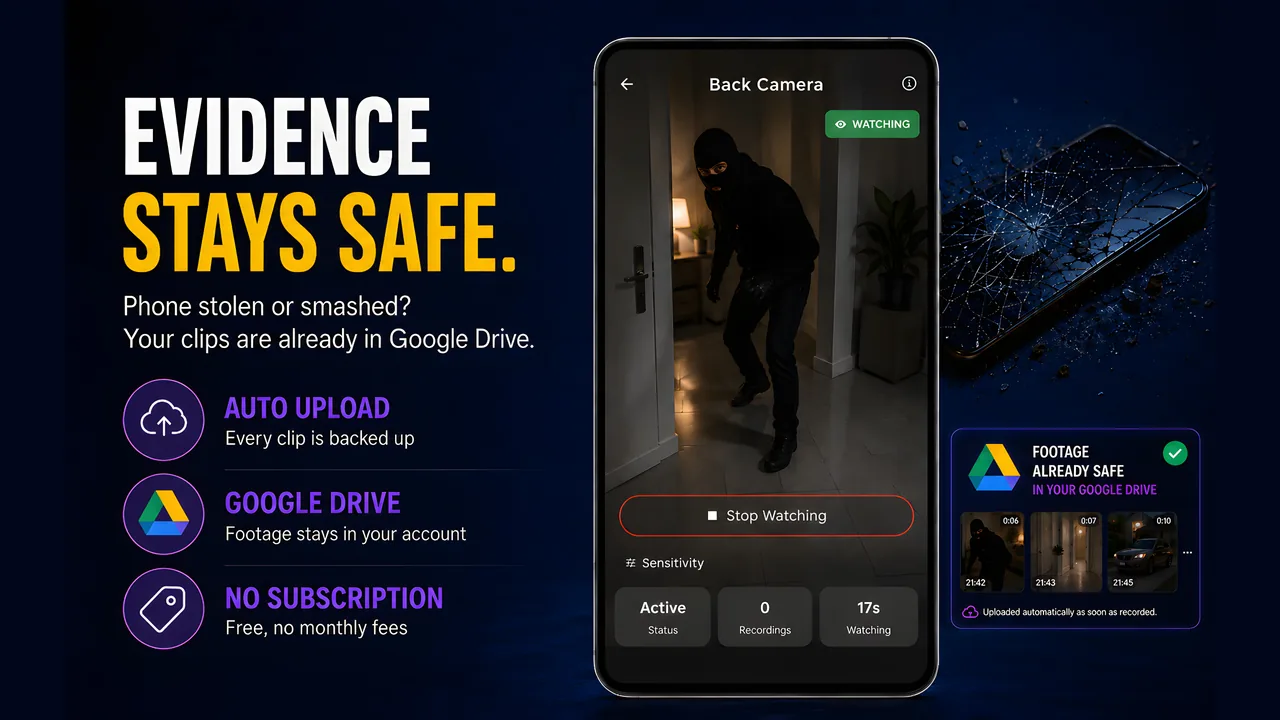
Turn any Android phone into a security camera, dashcam or pet cam. Motion detection records only what matters — and every clip uploads straight to your own Google Drive, so a thief can destroy the camera but not the footage.
Download on Google Play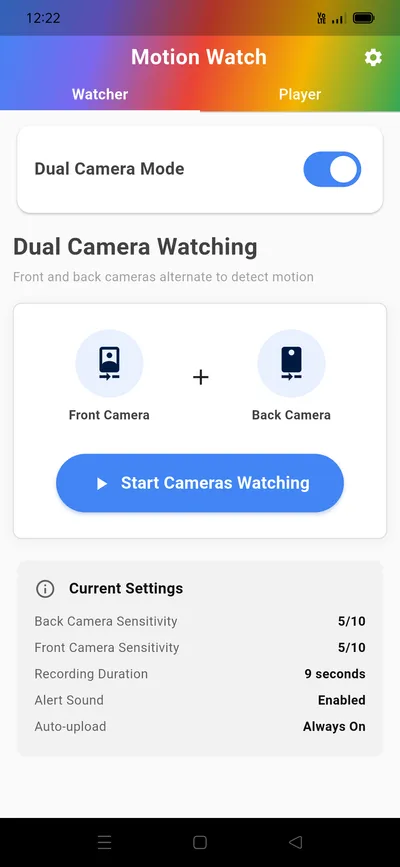
Your Cloud, Not Ours
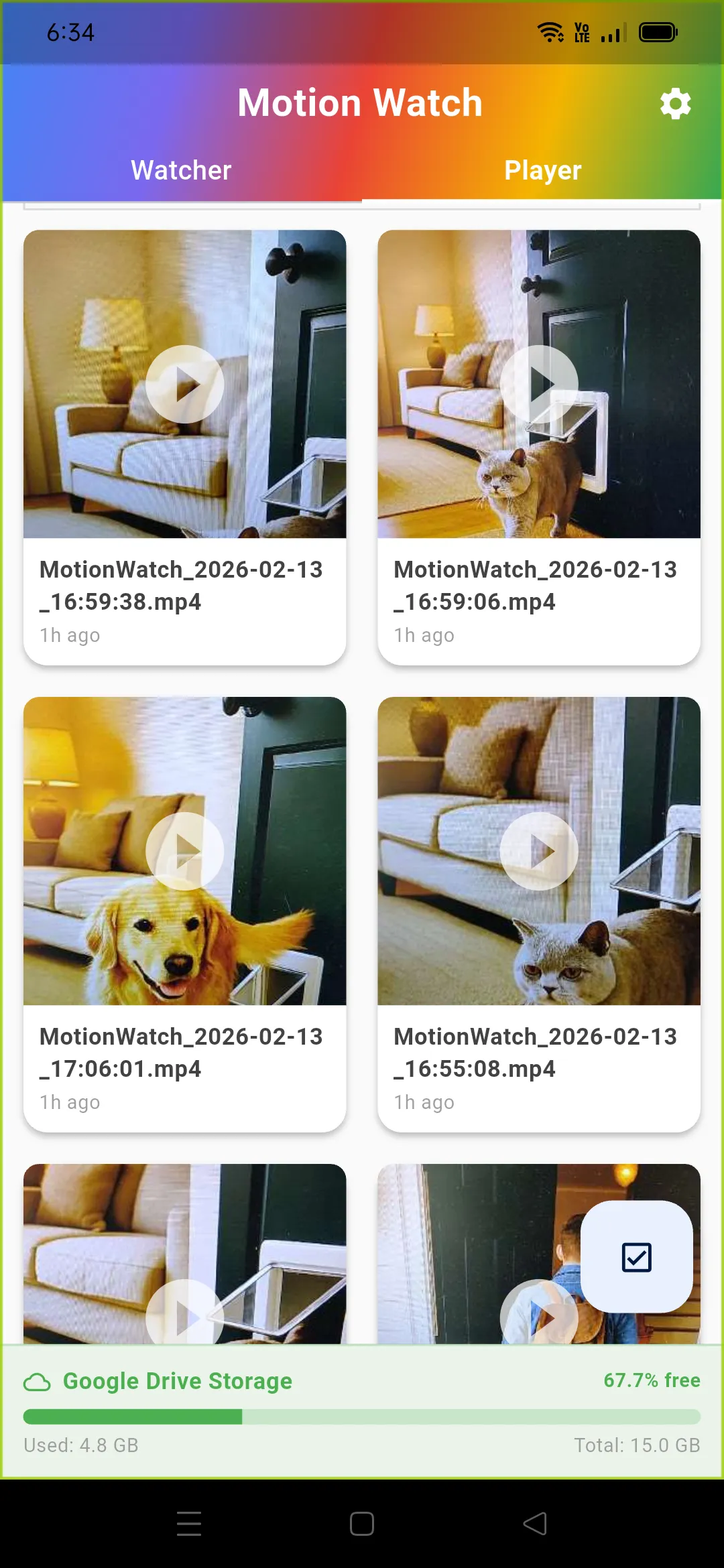
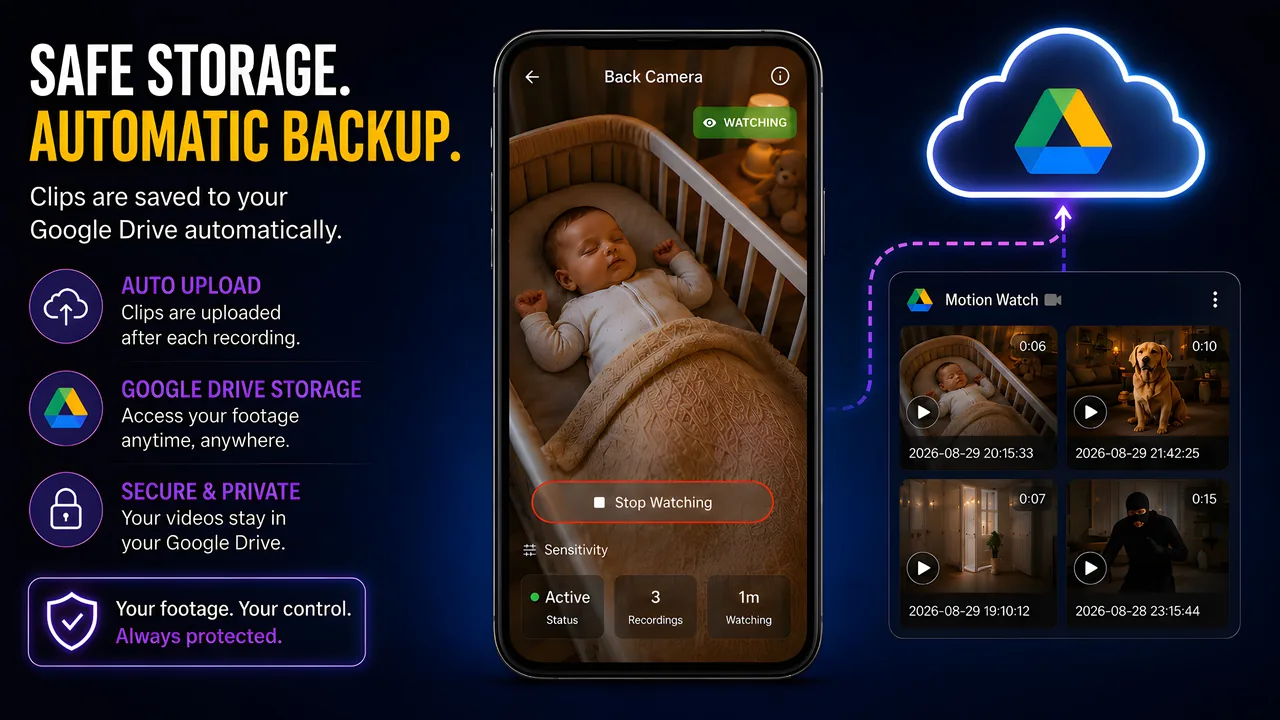
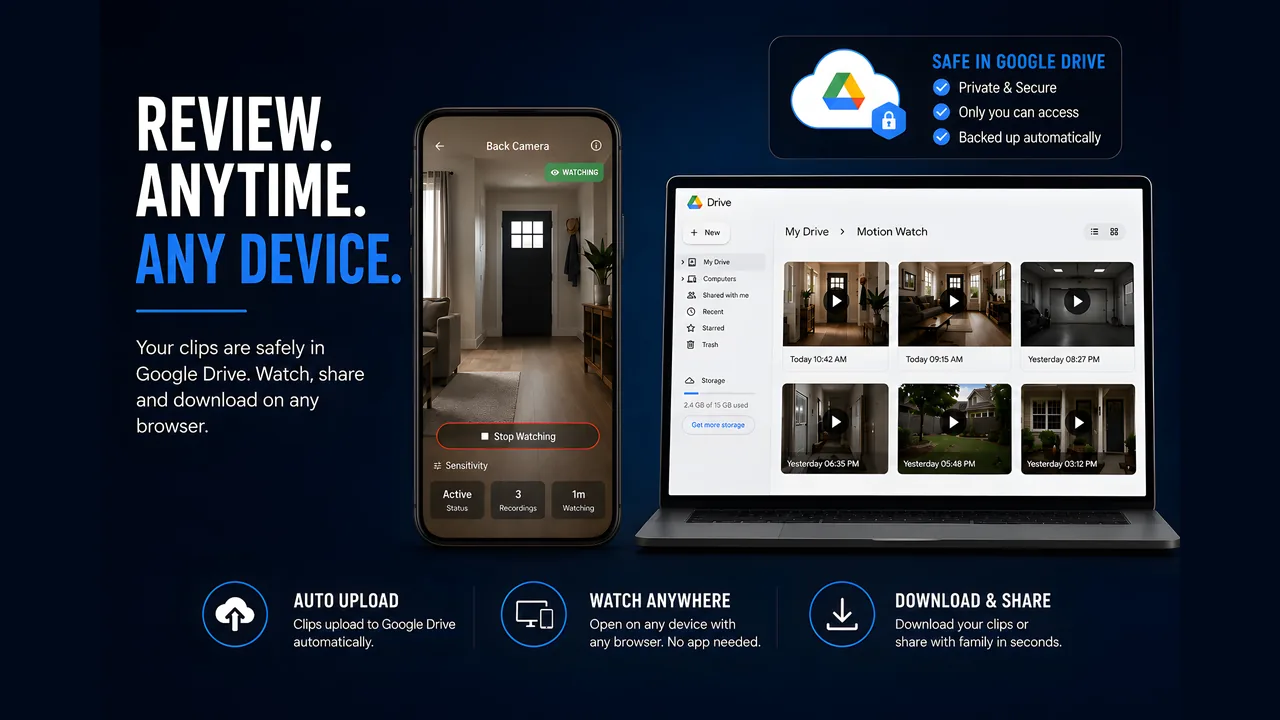
Every clip uploads to your own Google Drive as it records. We have no servers — there is nothing on our side to see. Delete the app and the footage is still yours.
Smart Motion Detection
Starts recording the instant movement is detected, and keeps going for as long as the movement continues. Adjustable sensitivity per camera.
Adapts to Changing Light
Learns what a still scene looks like and tracks it as the light changes through the day, so dusk does not turn into a night of false alarms.
Dual Camera Mode
Alternates between the front and back lenses on a timer, with independent sensitivity for each — wider coverage from a single device.
Works Offline
Recordings save to the device first and upload when the connection returns, so a dropout means a delayed clip rather than a lost one.
Watch From Anywhere
Sign in on another phone with the same Google account and every clip appears in your library. No port forwarding, no IP address, no router setup.
Use Cases
🏠 Watching an Empty House
Leave an old phone on a shelf while you are away. Clips upload to your Google Drive as they are recorded, so the footage survives even if the phone does not.
🔋 Long Unattended Runs
Set a battery threshold and Motion Watch stops recording before the phone dies, instead of going dark halfway through the day without telling you.
🔄 Covering Two Directions
Dual camera mode alternates between the front and back lenses on a timer, so a phone propped in a doorway can watch both the room and the hallway.
📶 Patchy Wi-Fi
Recordings save to the device first and upload when the connection returns, so a dropout means a delayed clip rather than a lost one.
🐕 Checking on Pets
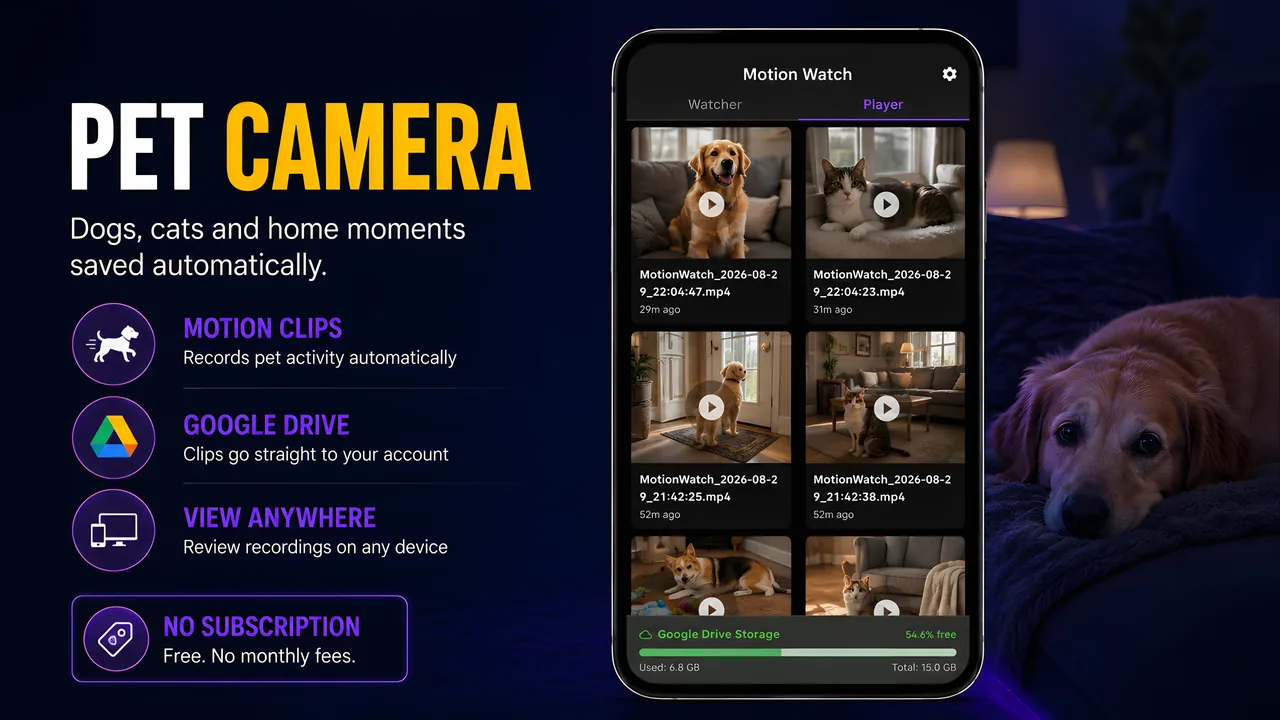
Lower the sensitivity so a cat crossing the room triggers a clip. Review the day from your main phone without a subscription or a cloud camera.
💾 Limited Storage
Cache limits and a storage warning threshold keep an old device from filling up, clearing older clips once they are safely uploaded.